Import from Postman or OpenAPI
Bring Postman collections, OpenAPI or Swagger files, environments and globals, or paste a cURL command. · 4 min read
Export from Postman
In Postman, open the collection's … menu, choose Export and pick Collection v2.1. Environments and globals export from the Environments panel the same way.
Import into Sir, Post
- In the left panel, click Import.
- Drop the file or choose it. You can also paste the JSON.
- Check the preview and click Import.
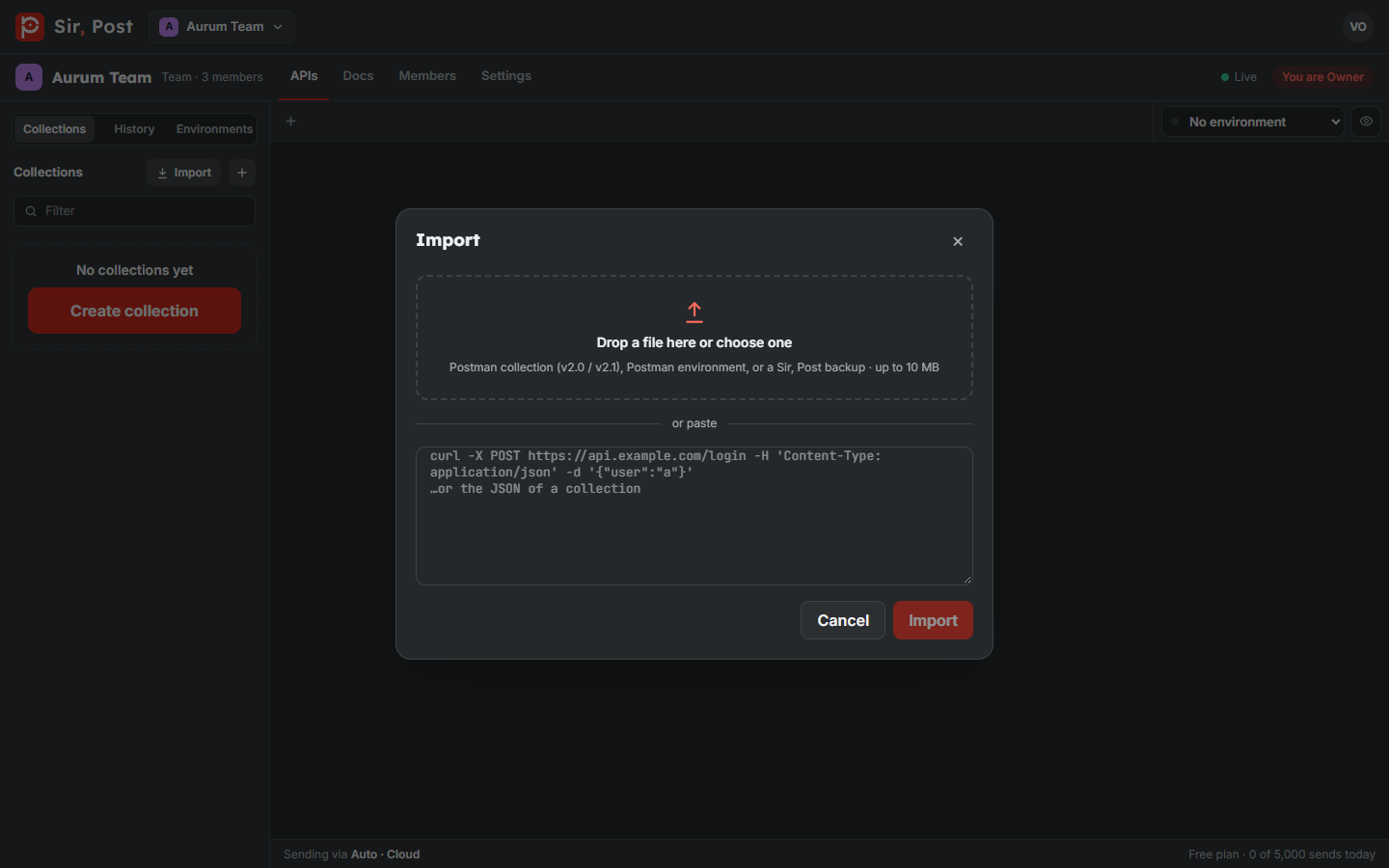
Sir, Post understands:
- Postman collections v2.0 and v2.1, with folders, auth, bodies and docs;
- Postman environments and globals;
- cURL commands (paste one to create a request);
- OpenAPI 3 and Swagger 2.0 files, in JSON or YAML;
- Sir, Post backups.
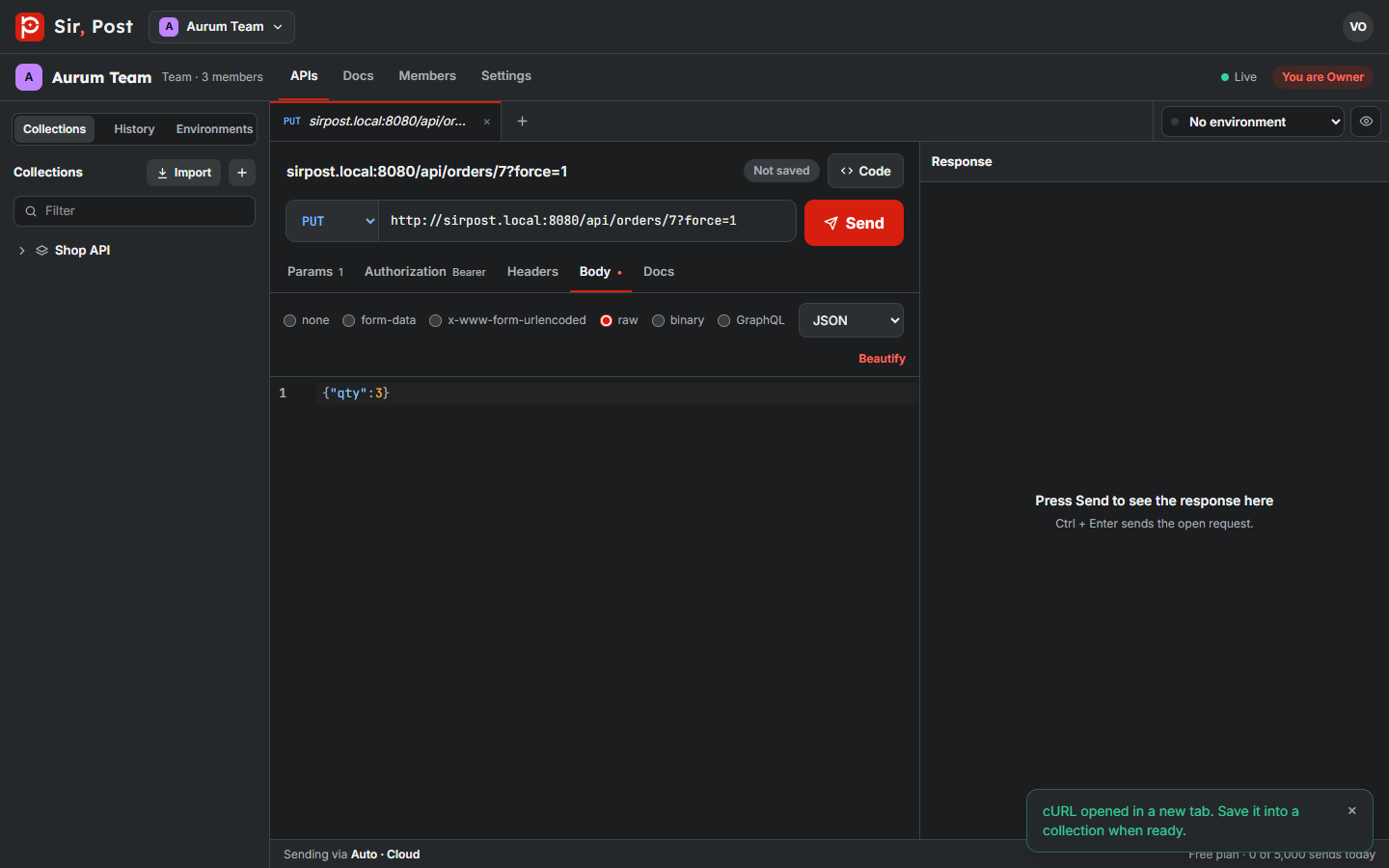
Up to 5,000 requests can come in at once. Pre-request and test scripts on the collection and on requests come across too; folder-level scripts are skipped, and the message tells you how many.
OpenAPI and Swagger
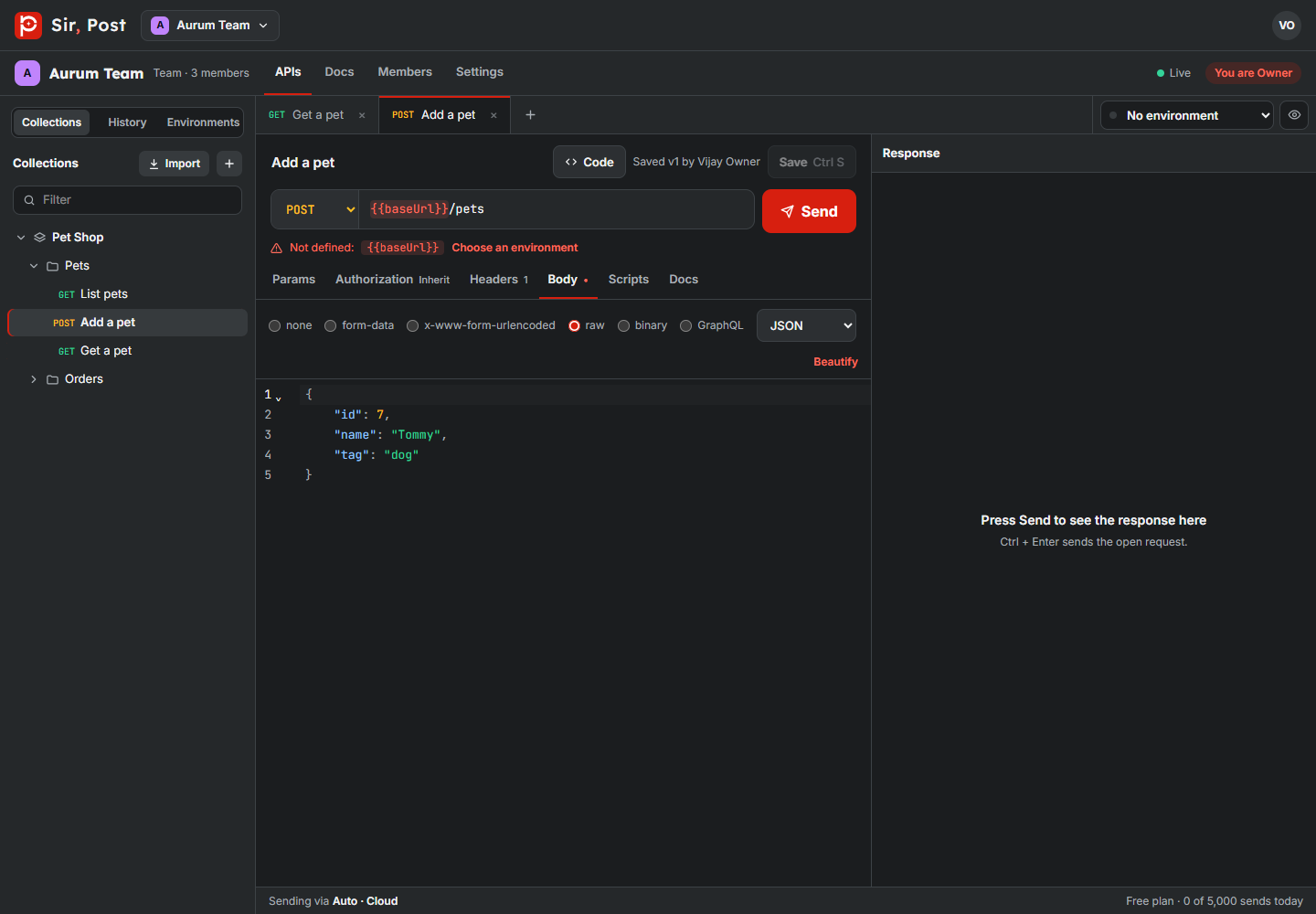
Drop an OpenAPI 3 or Swagger 2.0 file (JSON or YAML) into the Import dialog, or paste it. Sir, Post builds a collection from it:
- each tag becomes a folder;
- path parameters such as
{petId}become{{petId}}variables; - request bodies get sample JSON built from the schema;
- the API's security scheme becomes the collection's authorization;
- response examples become saved examples, ready for the mock server.
A new environment named after the API holds baseUrl (from the first server), the path parameters and empty secret values for keys and tokens. Fill them in and pick that environment.
Export back to Postman
Open a collection's Actions menu and choose Export. You get a Postman v2.1 file. Secret values are never included in exports.
Did this help? If not, ask us.
Next: Environments and variables →