Backup and restore
Download a full copy of a workspace and restore it anywhere. · 2 min read
- Open the workspace and go to Settings.
- Under Download a backup, click Download backup. You get one file with every collection, folder, request, example and environment.
- To restore, use Restore a backup in any workspace you can edit. The backup is added next to what is already there; nothing is replaced.
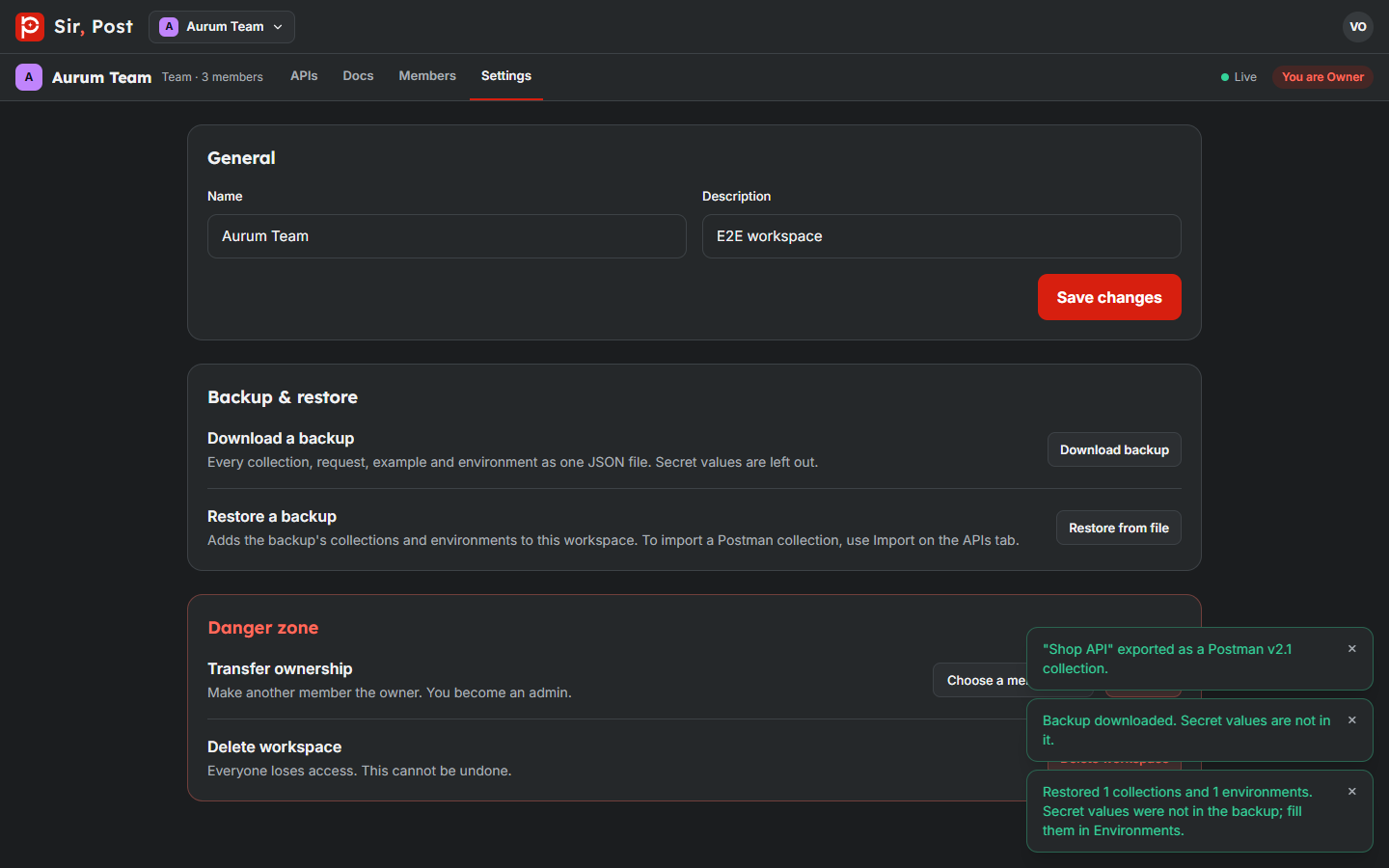
Secret values are left out of backups, so after a restore, fill them in again in the environments.
Did this help? If not, ask us.
Next: Limits and troubleshooting →