Authorization types
Bearer, Basic, API key, OAuth, AWS, JWT and more, per request or for a whole collection. · 4 min read
Open a request's Authorization section and choose a type:
| Type | Use it for |
|---|---|
| Bearer token | Most modern APIs: sends Authorization: Bearer … |
| Basic auth | Username and password |
| API key | A key in a header or query parameter |
| Digest auth, NTLM | Older servers and Windows services |
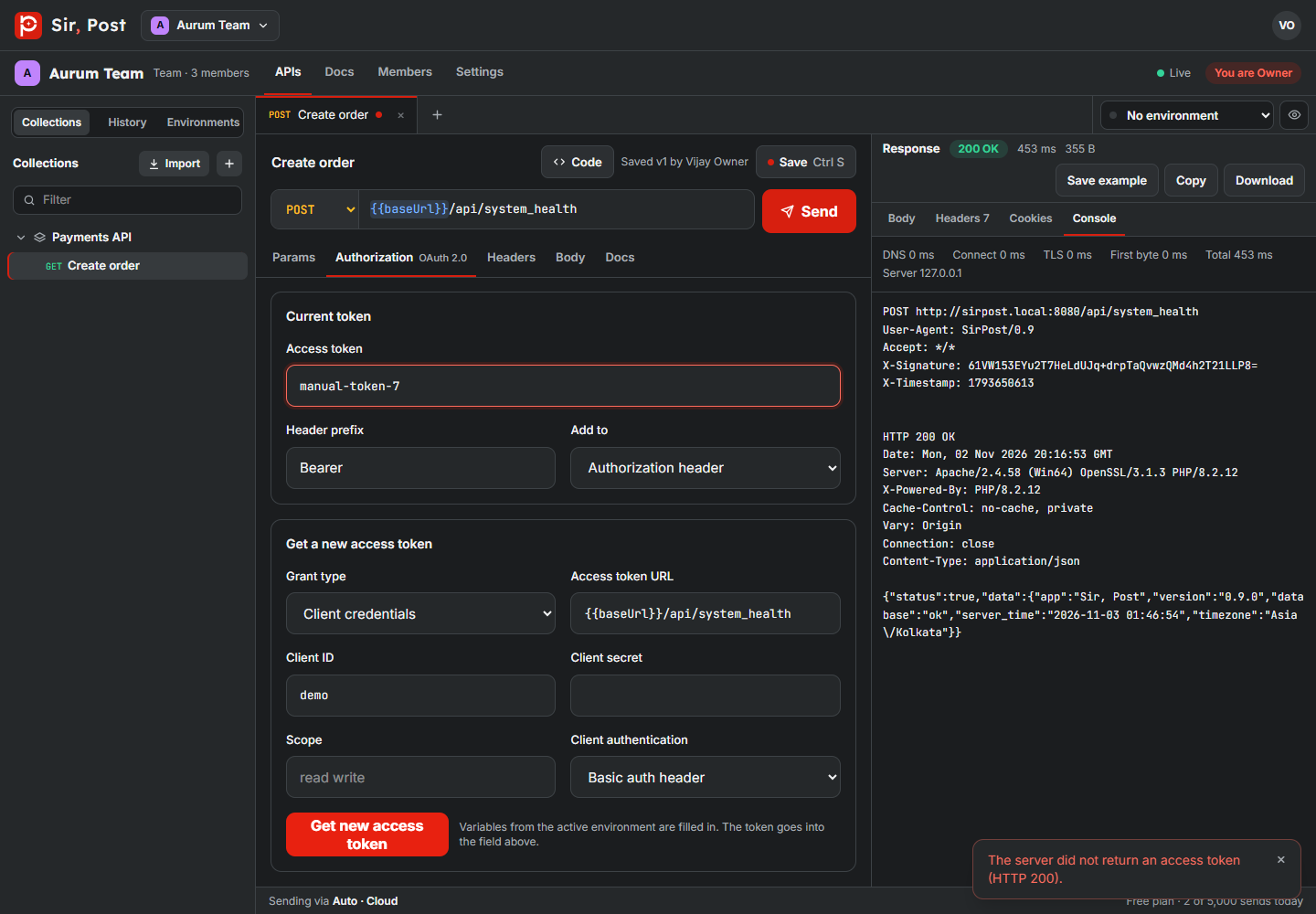
| OAuth 2.0 | Fetch a token (client credentials, password and more), then send it |
| OAuth 1.0 | Signed requests, HMAC-SHA1/256/512 or PLAINTEXT |
| JWT bearer | Build and sign a JWT (HS or RS) for each request |
| AWS Signature v4 | AWS services and API Gateway |
| Signature Builder | Custom HMAC or hash signatures, such as payment gateways |
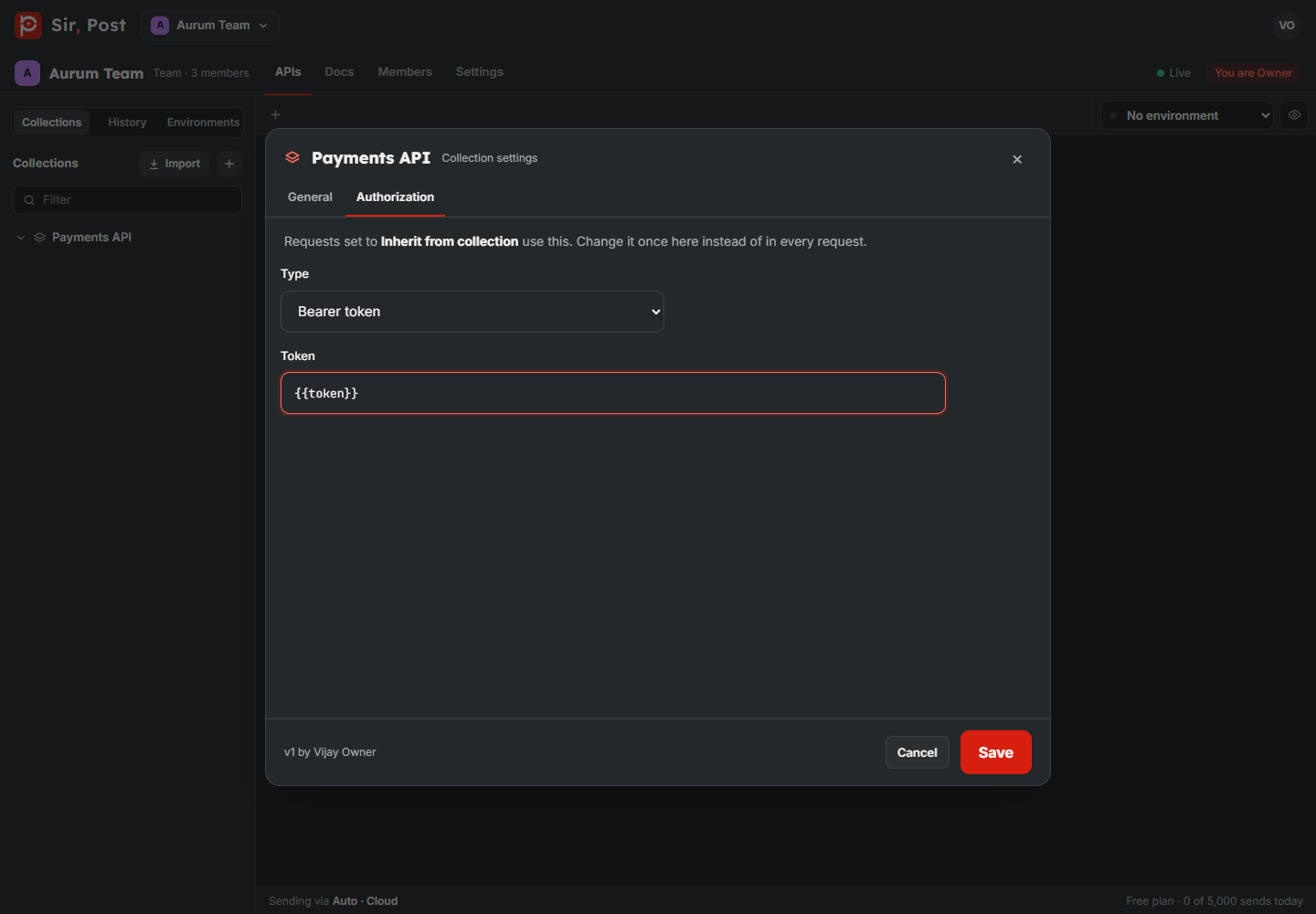
Auth for a whole collection
Open the collection's Actions menu and choose Authorization. Requests set to Inherit from collection use it automatically.
Preview signed requests
For OAuth 1.0, JWT, AWS and the Signature Builder, click Preview signature to see exactly what will be sent, without sending anything.
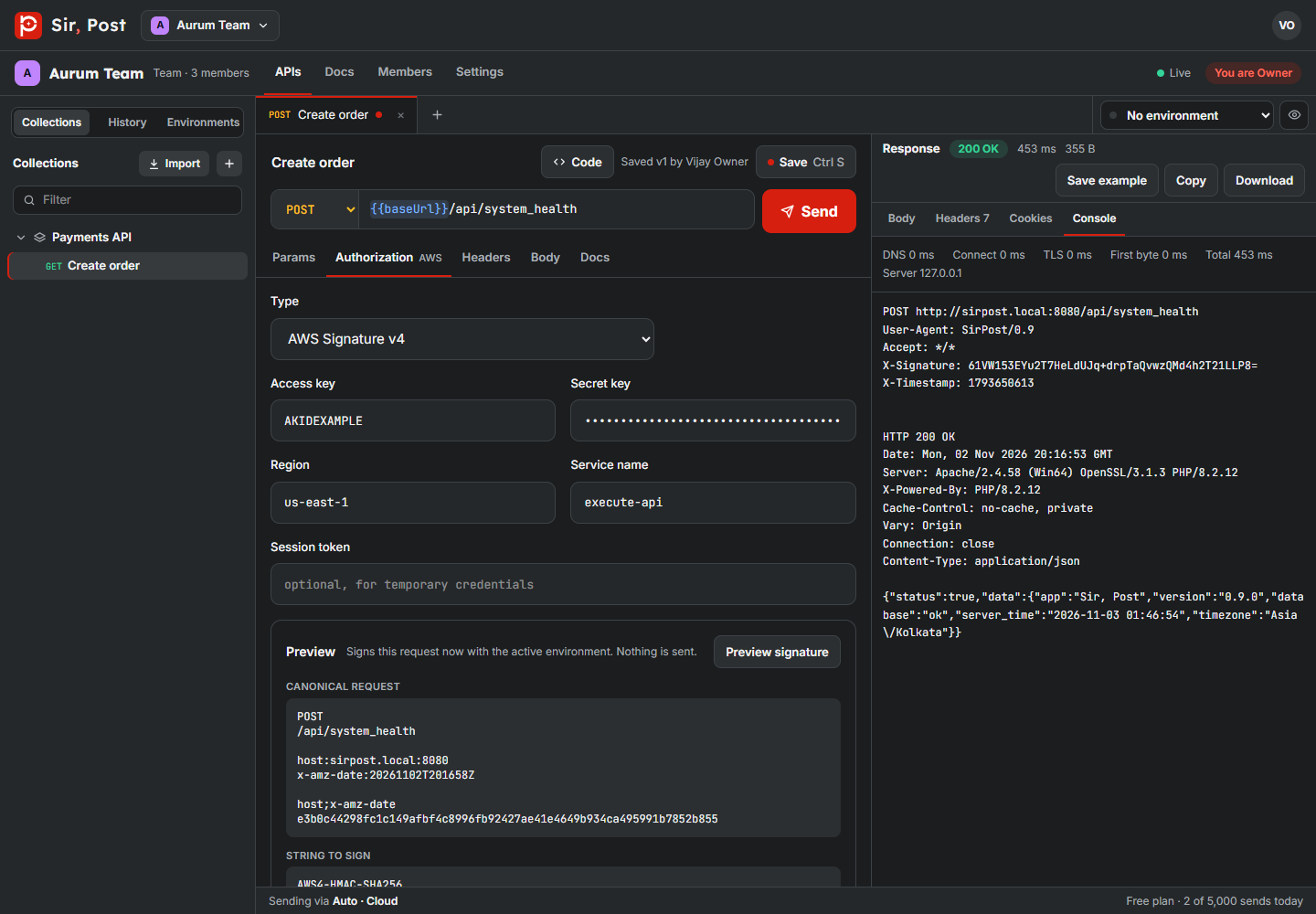
Use {{variables}} for keys and secrets, so they stay in your environment and out of the collection.
Did this help? If not, ask us.
Next: Signature Builder →